How to Install?
To install Animation-Nodes
- download the zip file at the official repository https://github.com/JacquesLucke/animation-nodes
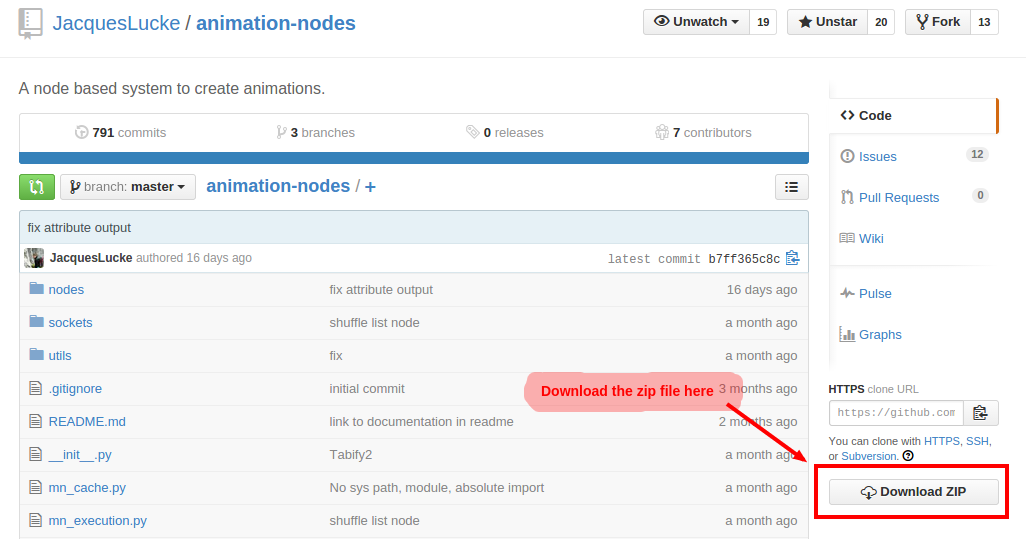
Don’t extract / unzip the file.
- Open Blender
- Go to the User Prefereces in the add-on tab
- click install from file and choose the zip file
- Activate the add-on and you are done!
You can now find the Animation-Nodes editor in the node editor.
